Step-by-step workflows for fixing bright photos in Lightroom, Apple Photos, and Snapseed.

A careful Photoshop workflow using Camera Raw, Curves, and layer masks to control bright areas without flattening the whole photo.

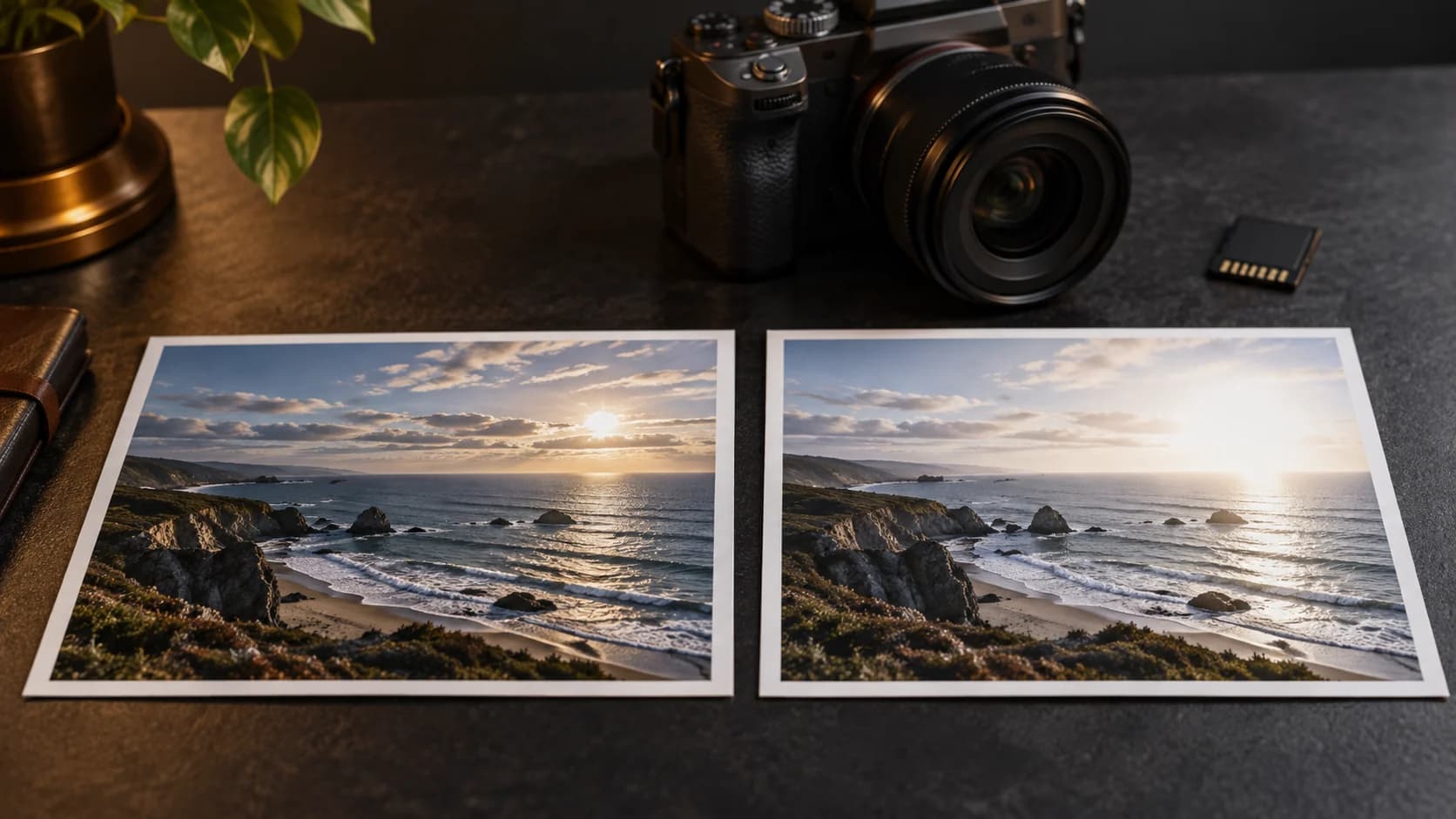
Understand how RAW and JPEG files affect highlight recovery, and choose the right source before fixing a bright photo.

A careful Snapseed workflow using Tune Image, Curves, and Selective adjustments for bright photos.

Use Apple Photos to tone down bright images, recover highlights, and keep the original photo reversible.
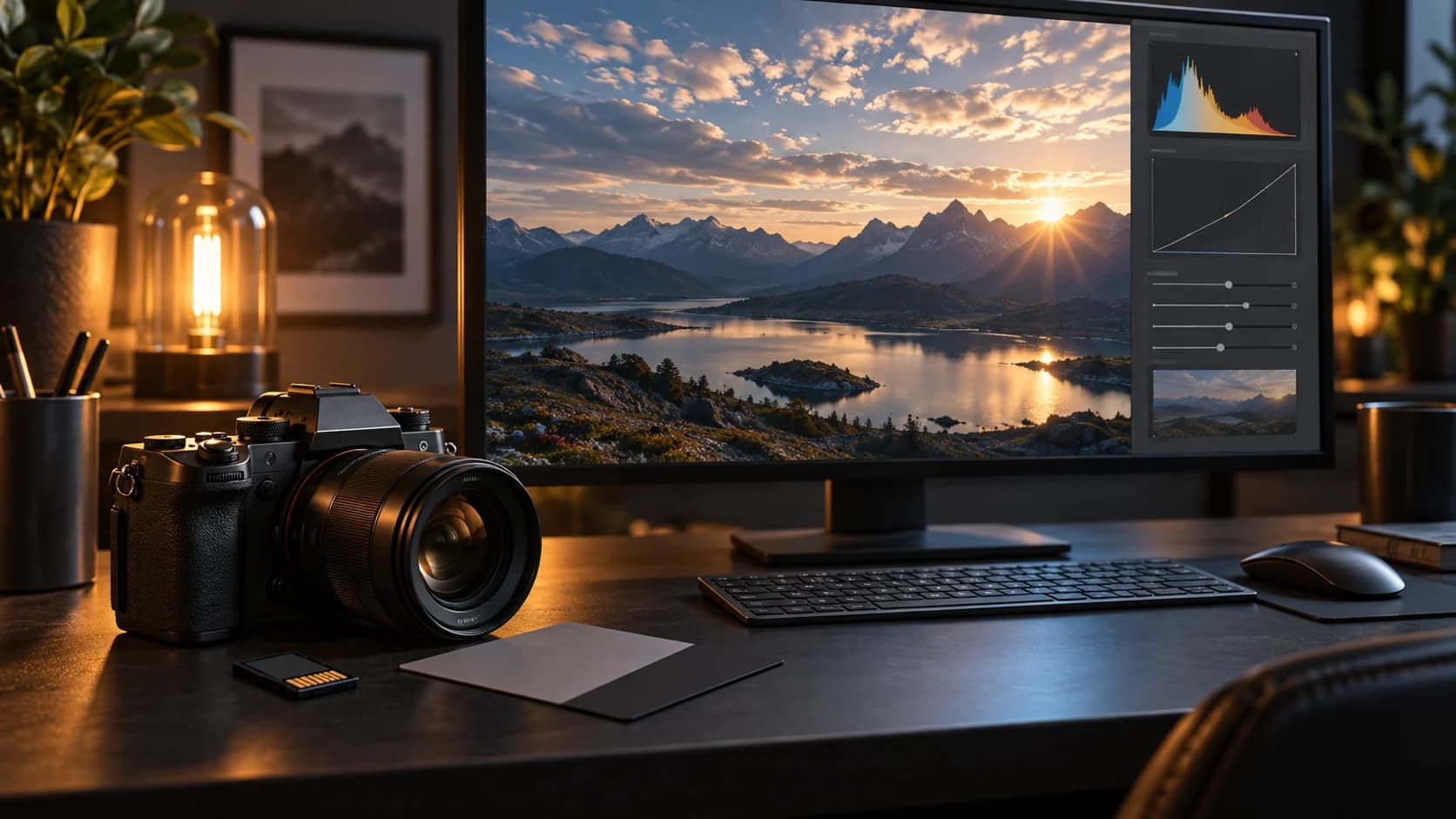
A practical Lightroom workflow for recovering bright highlights, using the histogram, and protecting the rest of the photo.